Tomb Busters Monster Farm Guide: Seeds, Day & Night
Monster Farm is a slower side activity built around planting, checking progress, harvesting, visiting, and light social interaction. It is easier to understand when you stop treating it like a one-session profit puzzle and instead build a short repeatable routine. This guide separates confirmed official update facts from practical player advice, so it can help without inventing crop timers, drop rates, or guaranteed rewards.
Fan-made guide. Crop timing, availability, and rewards may change; current in-game labels take priority over old videos.
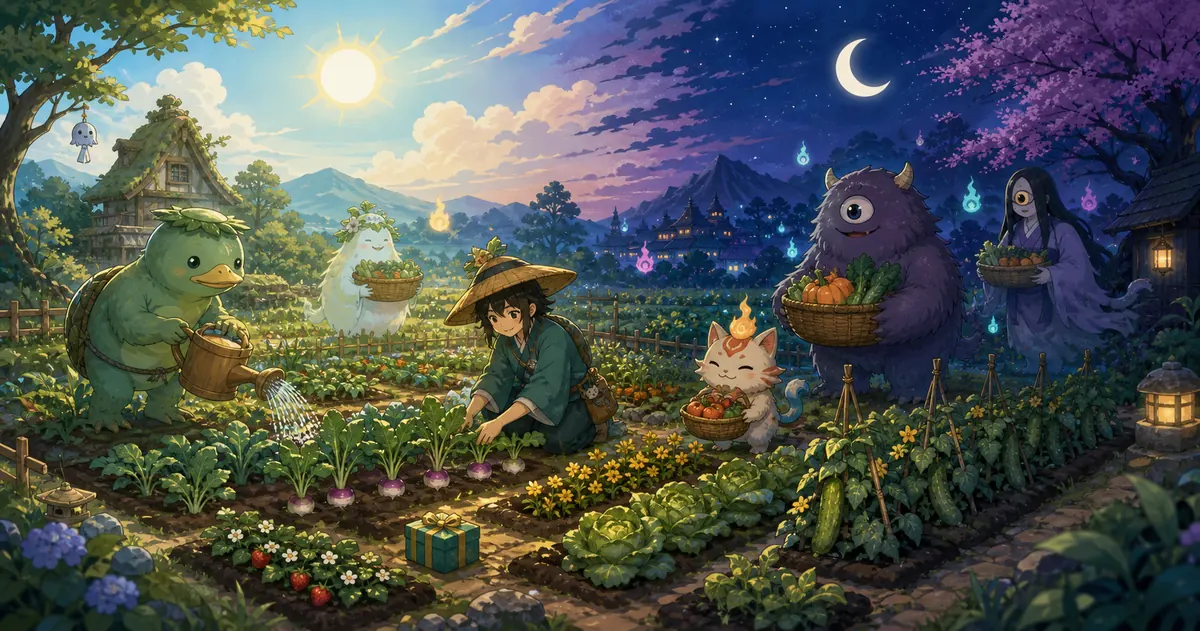
What should you do first in Monster Farm?
Start by checking four things: open plots, seeds already in your inventory, crops that are still growing, and anything ready to collect. Clearing finished crops first gives you room to plant without confusion. If you have no seeds, do not keep tapping around the empty farm. Return to exploration, event claims, mail, inventory, and friend-related reward screens, because the seed source may sit outside the farm itself.
For your first planting, use only a small portion of what you own. This lets you learn the current interface, see how progress is displayed, and compare the result before committing every plot. A short routine is more reliable than trying to maximize an undocumented value: collect finished items, plant a manageable batch, read the current timer or status, check social notices, then leave and continue the main game.
The official July 9, 2026 update confirms that Monster Farm received a day-and-night system, a message board, and a gift feature. Those are verified feature additions. The same official update does not publish a complete universal list of seed locations, crop timers, or reward rates, so this guide does not claim that one crop is always best or that every account receives the same result on a fixed schedule.
When a seed seems missing, check the current interface rather than copying one old screen position. Look through inventory, event claim pages, mail, exploration rewards, and any farm or friend notification. Live-service games move reward buttons and change event distribution. A video can show the general workflow, but the current build on your device is the final authority for buttons, limits, and remaining counts.
Treat Monster Farm as part of the wider resource loop. Exploration may feed the farm, while the farm gives you a reason to return between runs and interact with friends. Keeping those systems connected prevents the common mistake of waiting inside the farm for a resource that is earned elsewhere.
Monster Farm daily priority table
Use this order when you only have a few minutes and want to avoid missed collections or accidental spending.
| Order | Action | Why | Caution |
|---|---|---|---|
| 1 | Collect finished crops and claims | Freeing completed plots makes the next planting easy to read. | Reopen the page if a status looks stale. |
| 2 | Plant a controlled batch | You keep spare seeds for another test, event, or changed requirement. | Do not treat an old timer as a guaranteed current value. |
| 3 | Check messages and gifts | These social features were added in the July 2026 update. | Confirm recipient and remaining allowance before sending. |
| 4 | Return to exploration if seeds are missing | Some resources may come from outside the farm screen. | Do not use unverified shops, account trades, or invented APK routes. |
A six-step beginner planting loop
Break the system into small actions so you can learn the current version without wasting your inventory.
Read the plot states
Separate empty, growing, finished, and claimable states before touching anything.
- Collect first
- Count open plots
- Refresh stale states
Find the current seed source
Check inventory, events, mail, exploration rewards, and friend notices in a fixed order.
- Confirm seed name
- Check quantity
- Prefer current labels
Plant a small test batch
Learn the controls and progress display before filling every available plot.
- Keep a reserve
- Avoid rapid tapping
- Note the displayed status
Observe day and night
Watch for visual, notification, or interaction changes without assuming hidden multipliers.
- Compare both periods
- Read notices
- Avoid unsupported claims
Harvest and review
Look at the actual result before choosing whether to repeat the same crop.
- Confirm the reward
- Do not auto-spend
- Keep the routine short
Use social features last
Review the message board and gifts after your crop work is complete.
- Check the player name
- Check limits
- Separate sending and claiming
How to read day-night, message board, and gift features
These three additions are official, but the safest guide distinguishes a confirmed feature from an unverified reward rule.
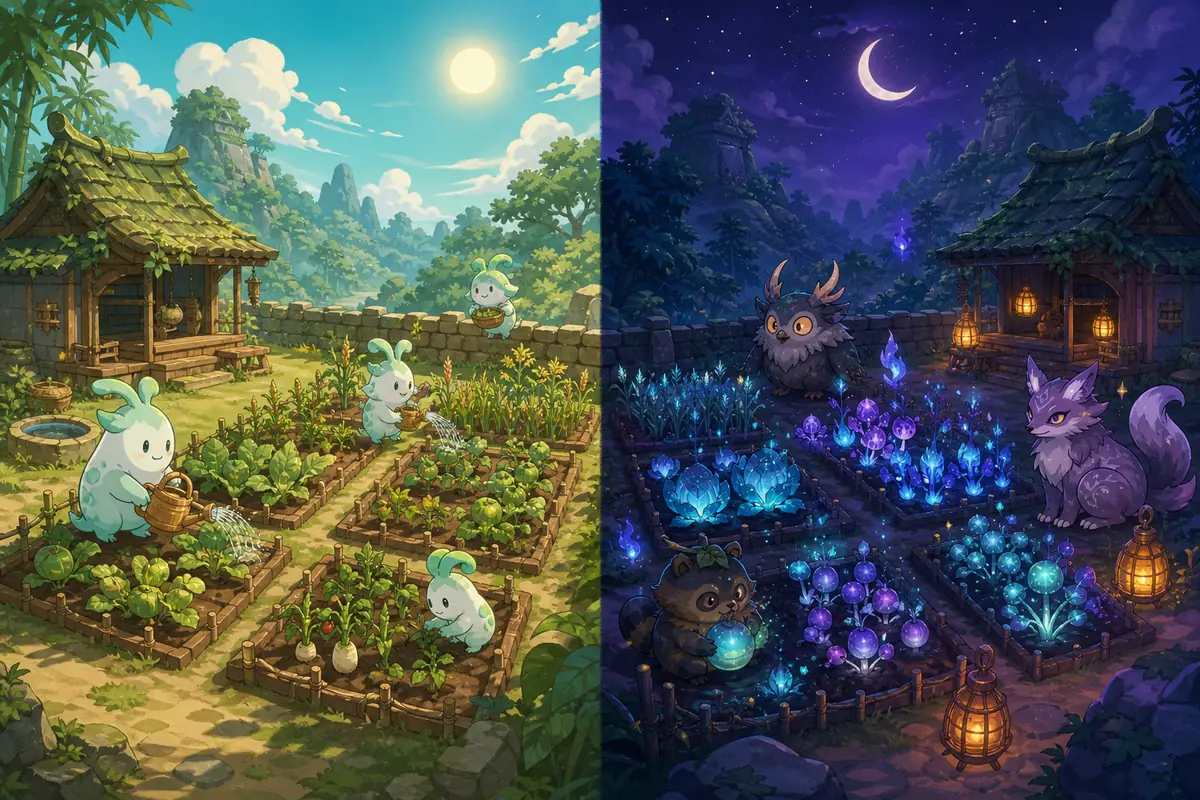
Day and night are confirmed states
The official update explicitly added a day-night system. It does not, by itself, prove a fixed reward multiplier or exclusive crop for every period.
Compare the current buttons and notices as well as the scenery.
Use the message board for short notes
It works best for a brief thank-you or farm-related message. Avoid personal details, account credentials, payment talk, or external trade offers.
Write something the other player can understand at a glance.
Follow the current gift limits
Recipient rules and remaining counts can change with updates. The visible current rule is safer than a number copied from an older post.
Review the recipient and count before confirming.
Connect farming to exploration
If progress stops because you lack seeds or materials, leave the farm and check the main activity loop instead of waiting on one screen.
A side mode can still depend on rewards earned elsewhere.
See the Monster Farm workflow in gameplay
A strongly relevant gameplay video can make the screen layout and planting rhythm easier to recognize. Use it as a demonstration, not as proof that every number or button remains unchanged.
Community gameplay video, not official media. Interface details may differ from the current version.
Common Monster Farm mistakes
Avoid irreversible-looking taps and outdated assumptions before chasing maximum efficiency.
Spending every seed immediately
Filling every plot before you understand the current crop states leaves no reserve for a changed event or a better test. Start with a small batch and expand only after reviewing the result.
Treating an old timer as guaranteed
A creator's timer may have been recorded on an earlier build. Use the timer, status, and notification displayed on your current account instead.
Sending gifts without checking
Confirm the recipient, remaining allowance, and whether you are sending or claiming. Fast repeated taps are more likely to create an avoidable mistake than a meaningful time saving.
Searching only inside the farm
Seeds or claims may be tied to exploration, events, mail, or friends. Switch screens methodically when the farm itself gives no useful next action.
Continue with related Tomb Busters guides
Use the wider guide hub when the real blocker is early progression, salvage resources, or co-op coordination.
Beginner guide
Build a safer first-run and extraction routine.
Read beginner guideSalvage upgrade guide
Understand salvage priorities and resource use.
Read resource guideMultiplayer guide
Organize roles, communication, and friend play.
Read co-op guideMonster Farm FAQ
Short answers about seeds, access, day and night, gifts, and media accuracy.
Check inventory, event claim pages, mail, exploration rewards, and friend-related notices. Distribution can move between updates, so follow the current in-game prompt rather than one old screenshot.
The exact access condition may depend on account progress or a current event. Look for the farm entry and event notices on your current home screen; if it is missing, continue the beginner progression first.
The official update confirms a day-night system, but this guide does not claim a universal reward multiplier or guaranteed exclusive drop. Check current notices and your own displayed results.
A short thank-you or farm-related note is appropriate. Do not post personal information, account details, payment requests, or invitations to unverified external trades.
Use the recipient and limit shown in the current interface. Limits may change, so an old fixed number should not be treated as a permanent rule.
No. Both WebP images are clearly labeled non-official explanatory illustrations. Use the embedded gameplay video and your current game client to verify the real interface.
Official and community sources checked
Confirmed update facts are separated from third-party practical guidance.
July 9, 2026 important update
Confirms the day-night system, message board, and gift feature.
Read official updateTomb Busters official site
Provides current news, stores, and official channel links.
Open official siteMonster Farm practical guide
Shows a third-party example of the seed-to-harvest workflow.
Read community guide