Tomb Busters Codes: active rewards and safe redeem steps
Use this fan-maintained Supernatural Squad codes page to check the currently known Tomb Busters reward codes, learn where to redeem them, and avoid wasting time on expired or copied code lists.
Codes can expire without notice. Verify inside the game before planning upgrades around a reward.
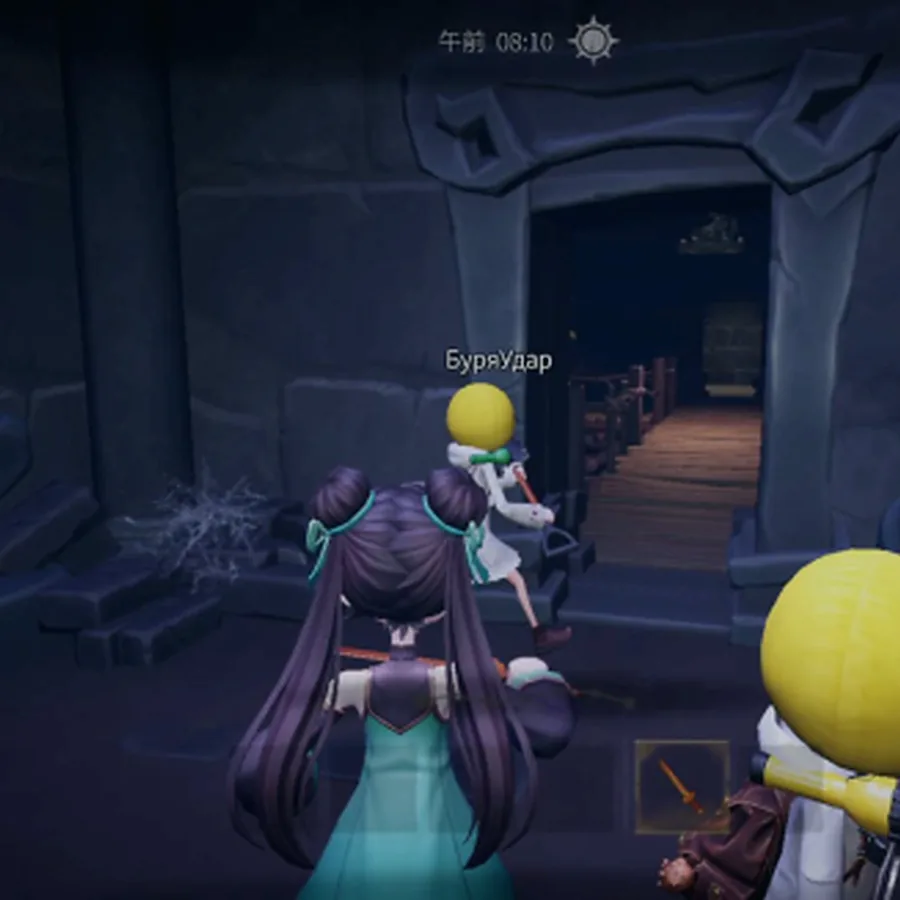
Fast answer: which Tomb Busters codes should you try first?
The two codes worth trying first are TB2026 and TB321. They have appeared in first-party Tomb Busters social posts and are the clearest current targets for Supernatural Squad players looking for starter rewards.
Redeem them exactly as shown, without spaces before or after the code. If a code returns an error, check whether your game version is current, whether the reward was already claimed on the account, and whether the promotion has ended in your region.
This page focuses only on code and redemption intent. For route planning, early team roles, or monster behavior, use the beginner and monster guides linked below so this page does not duplicate those broader wiki topics.
The safest workflow is to update the app, try one code, confirm the reward location, then move to the next code. Avoid entering several copied codes quickly because it makes it harder to understand which one produced a reward or an error.
Before trusting a copied code list, compare it with the official website, store events, or the in-game announcement panel. The current store pages describe Tomb Busters as a mobile co-op horror extraction game with events and offers, so launch campaigns can change quickly after each update.
Code searches often mix real rewards with generator pages, unlimited-reward claims, and expired reposts. This guide keeps the boundary narrow: official-looking codes, safe redemption checks, and failure causes only.
Active Tomb Busters codes for June 2026
Try these codes first, then confirm the reward in your in-game mailbox or inventory. Reward names can vary by event and language, so the table labels rewards conservatively.
| Code | Reward | Expiry | Status |
|---|---|---|---|
TB2026 |
Starter reward or event gift; confirm the exact reward in game. | No fixed public expiry found | Worth trying now |
TB321 |
Starter reward or event gift; confirm the exact reward in game. | No fixed public expiry found | Worth trying now |
Do not buy, trade, or share account details for codes. Legitimate Tomb Busters codes should be redeemed through official game channels only.
How to redeem Tomb Busters codes
The exact menu label may shift after updates, but the safe redemption flow is consistent: open the game, find the event or benefit area, enter the code, and verify the reward before leaving the screen.
Update the game
Install the latest mobile version first so the redemption menu and event data are current.
Open the benefit area
Look for Code, Coupon, Gift, Event, Benefit, or a similar reward entry in the game menu.
Paste one code exactly
Enter TB2026 or TB321 with capital letters and no extra spaces, then submit once.
Verify the reward
Check the confirmation message, mailbox, inventory, or currency total before trying the next code.
How to use code rewards without slowing your run
The best reward is not always the flashiest one. Early players usually get more value by reducing failed runs and keeping the squad alive long enough to learn monster signals.
Stability first
Use early currency on survival tools, basic upgrades, or recovery items before cosmetic choices.
- Protect the first few runs
- Reduce revive pressure
- Avoid spending before reading item descriptions
Claim before long sessions
Redeem available codes before a planned session so you can apply rewards while routes and roles are fresh.
- Check mailbox immediately
- Compare reward value to gear needs
- Do not assume the code will stay active
Share the code, not the account
Tell teammates which codes worked, but never share login details or third-party code forms.
- Use official redemption only
- Avoid copied survey sites
- Keep screenshots of errors if reporting a bug
Why a Tomb Busters code may not work
Most failed redemptions come from expiry, typing changes, account limits, region timing, or outdated game data.
| Problem | What to check | Best fix |
|---|---|---|
| Invalid code | Capitalization, hidden spaces, and whether the code was copied with punctuation. | Type the code manually or paste it into a plain text note first. |
| Already redeemed | The same account may only be able to claim a code once. | Check mailbox history or try a different active code. |
| Event unavailable | Some codes are tied to a launch, update, or regional campaign window. | Update the app and check official social posts for the event date. |
| No reward appeared | Rewards may arrive by mailbox, inventory, or currency total rather than a pop-up. | Restart the game, then check all reward locations before retrying. |
| Copied list promises unlimited rewards | Whether the source asks for a login, survey, APK, or account connection. | Do not use it. Check the official site, Google Play, App Store, or the in-game event panel instead. |
| A code generator page appears | Look for unlimited rewards, external login, APK download, surveys, or account-sharing requests. | Close it and verify only through the official site, stores, in-game events, or trusted fan updates. |
Where to check new Tomb Busters codes
Use official or first-party channels before trusting reposted lists. Fan pages are useful for summaries, but the original source decides whether a code is real.
Official website
Use the official site for publisher-controlled links and language pages.
Open official siteGoogle Play
Check Android store updates, screenshots, and availability notes.
Open Google PlayApp Store
Check iOS availability and current store media.
Open App StoreRelated Supernatural Squad guides
Use these pages when your question is about runs, monsters, or equipment rather than a code entry box.
Beginner guide
Plan early routes, roles, and gear timing after claiming rewards.
Beginner guideMonster guide
Learn how to read threat signals and respond before a chase starts.
Monster guideOfficial website
Verify current game links and publisher updates.
Official websiteTomb Busters codes FAQ
Short answers for common code questions.
They have appeared in first-party Tomb Busters social posts and are worth trying first. Because codes can expire silently, confirm the result in game.
Usually no. Treat each code as one claim per account unless the game states otherwise.
Look for a Code, Coupon, Gift, Event, Benefit, or similar reward entry. Menu names can change after updates.
No. Avoid third-party generators, surveys, login forms, or tools that ask for account details. Use official game channels only.
Treat it as unverified until the code appears in an official post, store event, or in-game notice. Never share account data or install an APK just to claim a code.
No. Use only codes you can verify through official or in-game sources, and avoid pages asking for logins, APKs, surveys, or account sharing.