Tomb Busters Top Up Guide: safe Aurion, payment routes, and account checks
A Tomb Busters top up should start with the safest payment route, not the cheapest button in search results. This guide explains how to think about Aurion, official payment options, store purchases, failed orders, and third-party recharge pages before you spend money on a Supernatural Squad account.
This is an unofficial fan guide. It does not sell currency, process payments, or replace publisher or platform support.
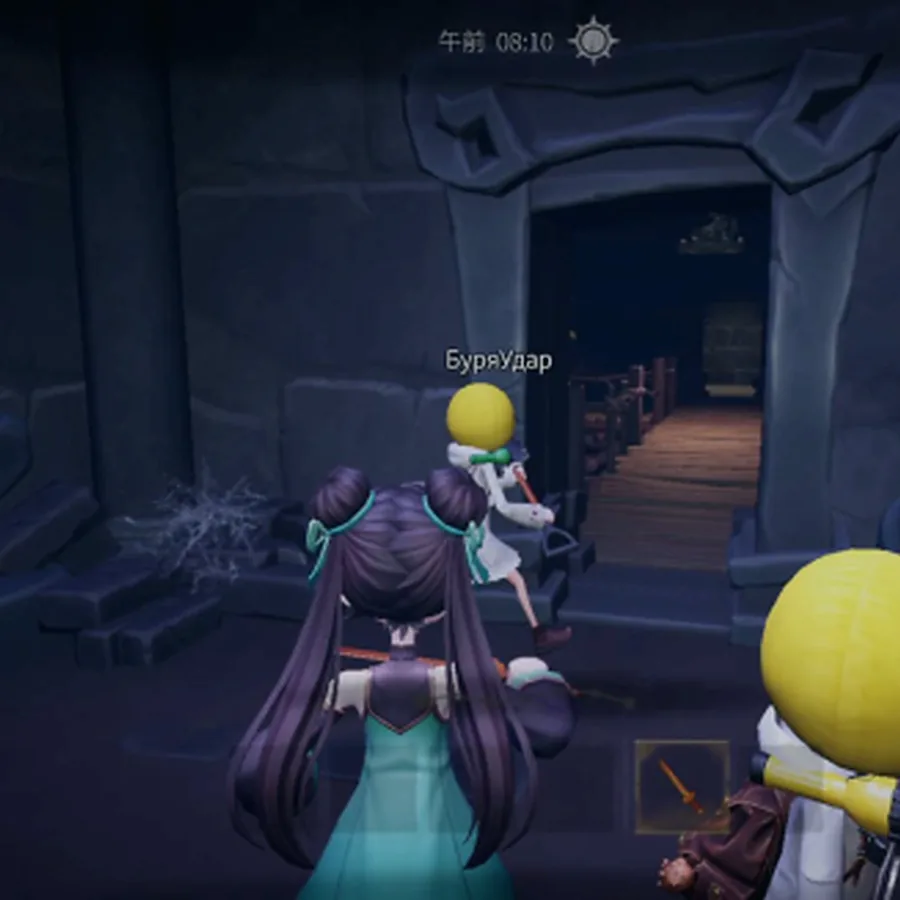
Fast answer: where should you top up Tomb Busters?
For most players, the safest Tomb Busters top up route is the payment flow inside the game, the official website, or the platform store connected to your account. These routes are more important than a discount claim because they connect the purchase to the same account, region, and order history that support teams can verify.
Aurion is the currency term players usually search for when they want to buy value, unlock paid offers, or compare reward bundles. Before buying, check whether the offer appears inside the live game client and whether the same account is signed in on the device you actually use.
Third-party recharge pages can appear for keywords such as Tomb Busters top up, Tomb Busters Aurion, or Supernatural Squad payment options. Some may be legitimate regional partners, but many search results are only generic payment pages, affiliate pages, or risky forms that ask for account identifiers without enough context.
Do not enter passwords, recovery codes, two-factor codes, or full payment details on a page that is not a trusted store or official route. A real top up flow should not need your game password, and it should give you a receipt or platform order record.
If a payment fails, wait before retrying repeatedly. Check the receipt, in-game mailbox, platform purchase history, and official support route. Multiple rapid attempts can make the problem harder to trace and may trigger bank or platform checks.
Safe top up routes compared
Use this table before entering any account or payment information. The right route depends on where your game account lives and whether the payment page is verifiable.
| Route | Best use case | What to check | Action |
|---|---|---|---|
| In-game purchase screen | Most normal Aurion or bundle purchases | Signed-in account, region, price, currency, and store confirmation | Use this first when available |
| Official website payment option | Publisher-announced regional payment routes or web top up | Domain, HTTPS, language page, account ID instructions, and support link | Use only from a verified official link |
| Google Play or App Store purchase | Mobile players who installed through official stores | Store account, purchase history, refund policy, and device account match | Keep the receipt and order ID |
| Third-party recharge page | Only if clearly announced as an authorized partner | Official announcement, partner name, receipt, support path, and no password request | Avoid if verification is unclear |
Aurion basics before you buy
A safe purchase is not only about payment. It is also about knowing what the currency is for and whether it solves your current gameplay problem.
Confirm the offer in game
Check whether the Aurion bundle, pass, or event offer appears in the current game client before paying through any outside route.
If the outside page promises a bundle you cannot see in game, slow down.
Match the right account
Make sure the account ID, server or region, and platform account match the character or squad progress you actually use.
A cheap top up is not useful if it lands on the wrong account.
Understand what currency cannot fix
Aurion can help with paid offers, but it does not replace learning route control, monster signals, gear timing, or team roles.
Read the beginner and gear guides before spending to solve a playstyle problem.
Keep receipts readable
Save the platform order ID, time, price, account identifier, and screenshot of the offer until the value appears correctly.
Support is easier when your evidence is organized.

Third-party top up risk checklist
A page can use the right game name and still be unsafe. Treat these signals as reasons to leave or verify through official support first.
| Signal | Why it matters | Response |
|---|---|---|
| The page asks for your password | A currency purchase should not need full login credentials on an outside page. | Close the page and use official routes. |
| Discount is much larger than normal store pricing | Extreme discounts often indicate gray-market, stolen payment, or fake delivery risk. | Verify an official partner announcement before paying. |
| No receipt, support path, or order ID | You need a traceable record if Aurion does not arrive. | Do not buy unless a real order record is provided. |
| The site copies screenshots but not official links | Copied media does not prove authorization. | Look for the same partner on the official site or publisher news. |
| Payment page is full of redirects or popups | Unstable checkout flows increase fraud and failed-order risk. | Use platform stores or official support instead. |
Budget rules for a live game account
Spending decisions should stay practical. Buy only when the purchase has a clear use and the route is safe enough to support later.
Set a monthly cap
Decide the amount before opening the shop so limited-time offers do not control the decision.
Buy for a current goal
A bundle is easier to judge when it supports a specific event, character plan, or account need.
Do not retry failed orders quickly
Check receipt status and support guidance before creating duplicate payment attempts.
Never trade account access
No discount is worth sharing password, recovery codes, or full account control.
Official and high-trust places to verify
Use these routes to check current payment and store information. This page does not process payments or sell Aurion.
Tomb Busters official website
Start here for publisher-controlled links, language pages, news, and any announced payment options.
Open official siteGoogle Play listing
Use the Play listing to verify app identity, store account, update status, and mobile purchase history.
Open Google PlayApp Store listing
Use Apple's listing and purchase history when your Tomb Busters account is tied to iPhone or iPad play.
Open App StorePlan the account before spending
Top up only solves payment-side goals. Use the rest of the wiki to make better gameplay decisions before buying.
Beginner Guide
Learn early routes, extraction timing, and team priorities before you spend to fix avoidable mistakes.
Read beginner guideCodes Guide
Check free reward codes before buying currency, and make sure your game version is current.
Check codesCharacter Tier List
Compare role value and upgrade priority before buying bundles that affect progression.
Compare rolesTomb Busters top up FAQ
Short answers for payment, Aurion, and account-safety searches.