Tomb Busters Crossplay: How to Play with PC and Mobile Friends
The official Tomb Busters description says mobile players can use full PC crossplay. This guide turns that short promise into a practical pre-match checklist: confirm the right client, keep the squad on the same update, set a clear invite owner, and recover calmly when a friend cannot join.
This is an unofficial fan guide. Crossplay menus, regional availability, and account rules can change, so use the current official store and in-game notices as the final authority.
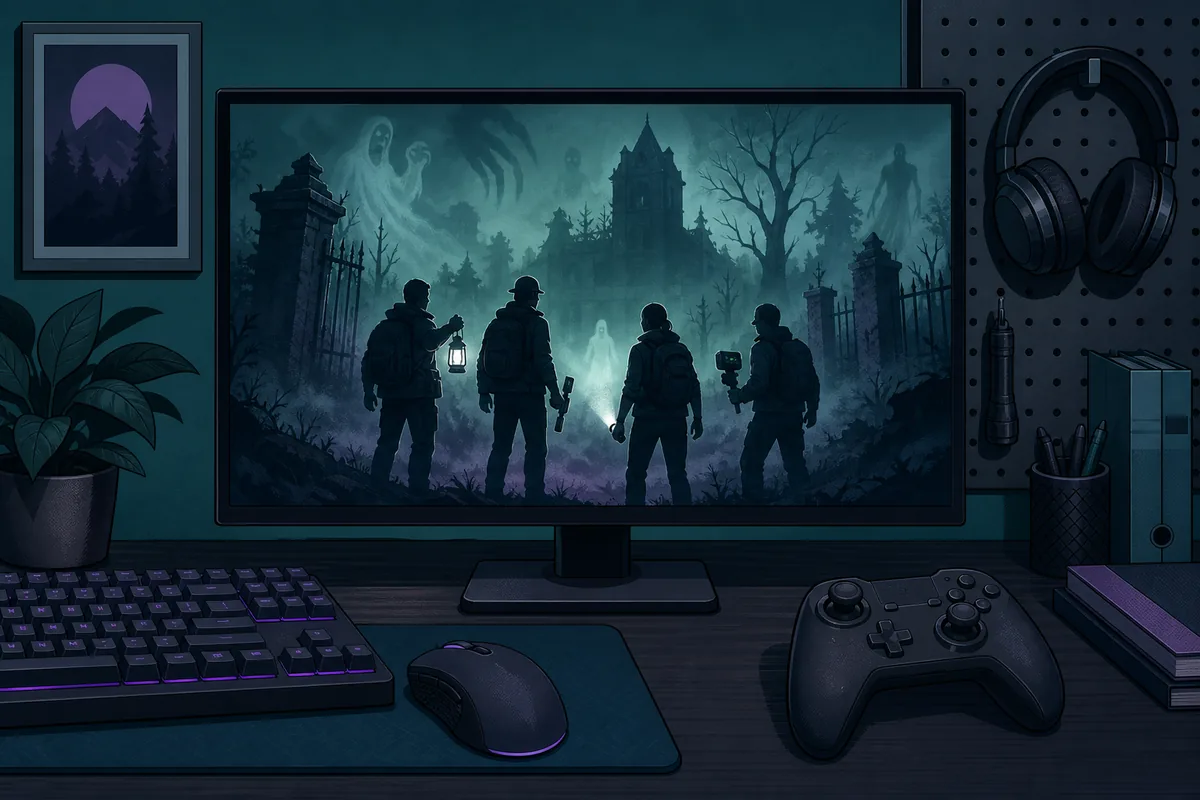
Quick answer: mobile and PC can play together, but the party still needs one shared setup
Tomb Busters crossplay is described by the official website and store listings as a co-op horror extraction relationship between mobile and PC. A supported mobile client and the PC route can join the same squad when the current service and client versions allow it. Regional stores, test builds, or old installs may still differ.
Start with the official route. Open the Tomb Busters site or the store listing for each device, then compare the game name, publisher, update notice, and login route. A search result or mirror APK may use the same words while pointing to a different build.
Before the invite, agree on one party owner and one first objective. The owner creates the room or sends the invite from the newest client, while the other players finish updates and sign in before accepting. If the game exposes a crossplay, region, privacy, or friend-request setting, keep the value visible to everyone instead of changing several options at once.
A mixed-platform run needs a communication fallback. The official store description mentions proximity voice chat, but permissions, headset routing, and account settings can vary. Test a short callout in the lobby. If voice fails, use text callouts for regroup, retreat, extraction, and a disconnected teammate.
Do not treat a failed invite as proof that crossplay is unavailable. First check whether both players are on the same live update, whether either client is still downloading data, whether the friend request is accepted on the correct account, and whether a privacy or region option blocks invitations. Restarting the room after both clients are ready often removes a stale session, but it should be the final step after the simple checks.
Crossplay changes who can join the squad, not the extraction rule. A PC player may use a different control layout while a mobile player needs a stable touch layout and charged device. Assign an exit caller, stay within communication range, and avoid platform-based pairs.
Use the platform guide for official store and PC-source verification, the controls guide for keyboard or controller setup, and the multiplayer guide for role calls and recovery plans. This page stays focused on the bridge between those topics: confirming that different platforms can enter the same run and making the first invite predictable.
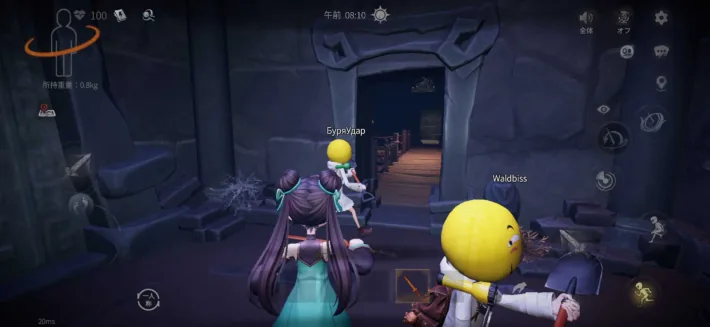
Crossplay checklist before you invite anyone
Tomb Busters crossplay checks run in order. This separates product, account, network, and team problems so you do not change five settings at once.
| Check | What it confirms | Best time | If it fails |
|---|---|---|---|
| Official client | Both players installed the same Tomb Busters product from a trusted route. | Before login | Do not compare a mirror APK with a store client. |
| Current update | The two clients can talk to the same live service build. | Before the room is created | Do not invite while one device is still patching. |
| Account identity | The friend request and invite point to the account the player actually uses. | When adding a friend | Do not accept an old or duplicate account by display name alone. |
| Privacy and region | Friend requests, party visibility, and regional service rules allow the connection. | When the invite is missing | Do not change region repeatedly; note the original setting first. |
| Voice and fallback | The squad can communicate even if proximity voice or permissions fail. | In the lobby | Do not enter a dangerous route without a retreat signal. |
| Exit owner | One player watches the route home and calls the extraction decision. | Before dropping in | Do not split ownership between PC and mobile players. |
A reliable mixed-platform setup in four phases
The exact labels can move after an update, but this sequence keeps the shared task clear.
Start from an official route
Each player opens the official site or the recognized store listing for the device in hand. Compare the game identity, publisher line, update note, and account route before troubleshooting a party invite.
- Check the Android, iOS, or PC source
- Record the client update message
- Avoid modified installers and lookalike pages
Make the clients and accounts ready
Finish downloads, sign in to the intended accounts, accept the correct friend request, and keep both devices on a stable connection. The party owner should wait until every player is ready.
- Use one clear party owner
- Confirm the display name or account ID
- Keep the app open after the update finishes
Create one short test lobby
Send one invite, wait for the join result, and test a short callout before loading a valuable route. A small test isolates an invite problem from a mission problem.
- Change one setting at a time
- Test voice or text fallback
- Do not start with the longest objective
Keep a shared route and retreat call
Once the group joins, let the exit owner call regroup and extraction. Platform differences matter less when the squad uses the same route, signal words, and risk limit.
- Stay within communication range
- Call a retreat before the route collapses
- Review the failed step before the next invite
Who should own each crossplay check?
Clear ownership prevents a mixed-platform lobby from turning into a chain of guesses.
Party owner
Creates the room, sends the single test invite, and reports the exact join result. This person should not change several privacy options while others are testing.
Keep the invite path stable so the group can tell whether a change helped.
Platform verifier
Confirms that the PC, Android, or iOS route is official and that the visible update notice matches the current client. This role protects the team from mixing builds.
A trusted source is more useful than a fast mirror when the problem is compatibility.
Communication owner
Checks headset or microphone permission, tests proximity voice, and announces the fallback text callouts. The role keeps a silent player from being mistaken for a disconnected player.
Agree on one word for retreat before the first dangerous room.
Exit caller
Watches the return route and decides when the squad has enough value or too little control. The exit caller can be on either platform; the job is about awareness, not input method.
A consistent retreat call protects crossplay teams from platform-based overconfidence.
Crossplay problems that waste the most time
Most failed mixed-platform sessions come from an unclear boundary between a product issue and a party issue.
Assuming every PC page is the official client
Search results can combine the official route, an emulator article, and a mirror. Confirm the publisher, domain, and update path before asking why a friend cannot join.
Inviting during an update
A visible home screen does not prove that the client finished patching. Wait for the update to finish on every device, then create a fresh room.
Changing region before recording the original
Repeated region changes make the error harder to reproduce and can create a new account or matchmaking problem. Write down the original setting first.
Testing voice only after dropping in
Permission or headset routing problems are easier to solve in a lobby. Agree on short text signals so a silent player can still receive a retreat call.
Splitting the squad by platform
PC and mobile pairs often take different routes and lose shared information. Give everyone one objective, one regroup point, and one exit owner.
Sources for current crossplay wording
The official site and store listings support the platform claim. They do not replace the live client for menu names, regional rules, or account-specific errors.
Tomb Busters official website
The first-party landing page describes the mobile co-op game and full PC crossplay.
Open official websiteGoogle Play listing
The store description repeats full PC crossplay and describes the co-op loop and proximity voice chat.
Open Google PlayApp Store listing
The public iOS listing provides another first-party store route and current product description.
Open App StorePlatform verification guide
Use this site guide to separate official PC, Steam, Switch, mobile, and APK source checks from the crossplay task.
Check platform sourcesContinue after the first successful invite
Once the party works, improve the route and communication habits that keep a mixed-platform squad together.
Multiplayer guide
Choose squad roles, short callouts, and recovery plans for a co-op run.
Open multiplayer guideControls guide
Check keyboard, mouse, and controller bindings before a longer PC session.
Open controls guidePlatform guide
Verify official store routes and distinguish a native client from a mirror or emulator article.
Open platform guideMap guide
Plan a return path that every player can understand before the squad carries valuable salvage.
Open map guideTomb Busters crossplay FAQ
Tomb Busters crossplay answers for players trying to join a mixed PC and mobile squad.
The official website and store descriptions state that the mobile co-op game has full PC crossplay. Use the current official client and in-game notices for the final regional and account-specific result.
The official store description says a run supports up to four players and describes full PC crossplay. It does not promise every device combination or region, so test the current client before a high-value run.
Check the live update state, account identity, privacy or region setting, network stability, and whether the room is stale. Have the party owner create one fresh test room after both clients are ready.
They should be on the same current service build for a reliable connection. Finish pending downloads on every device before sending the invite and follow any version notice shown by the official client.
Check microphone and headset permissions in the lobby, then use short text callouts for regroup, retreat, extraction, and disconnect. Do not enter a dangerous route until every player has a working fallback.
Start from the Tomb Busters official website and follow its recognized store routes. The platform and download guides on this site explain how to compare publisher details, update records, and APK risk without treating a mirror as official.